
7 Best AI Image Generators for Privacy-Conscious Users

Worried about privacy while using AI image generators? You're not alone. Many tools store user data, risking breaches and misuse. But some prioritize local processing, encryption, and user control to safeguard your data. Here's a quick look at the best options:
- AnonAI: Fully local processing, no account needed, AES-256 encryption.
- NanoGPT: Pay-as-you-go, local storage, minimal data collection.
- Adobe Firefly: Cloud-based with customizable privacy settings and licensed training data.
- Leonardo.ai: Local processing, enterprise-level security, transparency reports.
- Imagen 2: End-to-end encryption, AI moderation, user-controlled data deletion.
- Ideogram: Device-focused, full ownership of generated images, local processing.
- Stable Diffusion (Self-Hosted): Full offline control, no third-party involvement.
Quick Comparison
| Tool | Data Storage | Processing Type | User Control | Cost |
|---|---|---|---|---|
| AnonAI | Local | Local | Full | $50/month |
| NanoGPT | Local | Local | Full | $0.10/use |
| Adobe Firefly | Cloud | Hybrid | Moderate | $54.99/month |
| Leonardo.ai | Local | Local | Adjustable | $10/month |
| Imagen 2 | Cloud | Cloud | Limited | Not public |
| Ideogram | Local | Local | Full | $16/month |
| Stable Diffusion | Local | Local | Full | Hardware cost |
If privacy is your top concern, Stable Diffusion (Self-Hosted) offers unmatched control. For ease of use, AnonAI and NanoGPT are great options. Dive into the article for detailed reviews and recommendations.
How to Install SDXL Locally: A Privacy-Focused AI Image Generator Guide
Privacy Risks in AI Image Generation
AI image generation brings a range of privacy risks that users should be aware of. Beyond potential data breaches, these systems can infer sensitive details, like health conditions or political beliefs, based on user inputs [8]. Research has also shown that some models can replicate exact images from their training data [11].
Data Exposure and Inference Risks
AI image generators can process and interpret sensitive information in ways users might not expect. For instance, when you submit prompts or upload images, these systems could infer:
- Health conditions
- Political affiliations
- Sexual orientation
- Financial details
Intellectual Property Challenges
There’s also the risk of legal issues. AI-generated content might unintentionally infringe on copyrighted material, leaving users open to legal disputes [2].
Biometric and Identity Exploitation
The misuse of biometric data is another concern. For example, Lensa AI was reported to create explicit images from user-uploaded, fully clothed photos [5]. Deepfake technology further complicates this issue by making it possible to steal identities through highly realistic fake profiles [6].
| Privacy Risk Category | Potential Consequences |
|---|---|
| Data Storage | Unauthorized access to personal images |
| Training Data | Reproduction of private content |
| Model Inference | Exposure of sensitive attributes |
| Copyright Issues | Legal liability |
The tools we’ve reviewed tackle these challenges with strong privacy measures. Below, we’ll explore how our top recommendations address these concerns.
How We Rated These Tools
To find the most privacy-focused AI image generators, we created an evaluation framework centered on key privacy and security features. The goal was to highlight tools that give users control over their data while being transparent about their practices.
Core Privacy Features
We focused on addressing privacy risks like data exposure and third-party vulnerabilities. Key factors included:
- Local processing capabilities: Tools that process data on the user's device scored higher.
- Server locations and jurisdictions: We checked where servers are based to assess compliance with local privacy laws.
- Data retention periods: Shorter data storage durations were favored.
- Types of data collected: Tools that minimized data collection earned better ratings.
For example, NanoGPT, which uses device-based storage, performed well in this category.
Security Implementation
We assessed encryption standards, audit practices, and protections against cyberattacks like DDoS. These features help prevent biometric data misuse.
| Security Feature | Evaluation Criteria | Impact on Rating |
|---|---|---|
| Encryption | Use of AES-256 or similar | High Priority |
| Authentication | Optional account creation | Medium Priority |
| Third-party Sharing | Minimal data exchange | High Priority |
User Control and Transparency
We gave preference to tools offering users control over their data and clear policies. Features that stood out included:
- Clear data deletion processes
- Detailed privacy settings
- Opt-out options for AI model training
- Transparent privacy policies
Compliance and Certification
Tools compliant with GDPR or CCPA and those with ISO 27001 certification were rated more favorably.
Authentication Flexibility
Anonymous access and tools requiring minimal personal data received higher scores.
Third-Party Integration Assessment
We reviewed how tools handle third-party services by evaluating:
- Whether data sharing is clearly disclosed
- Whether integrations are optional or essential
- Vetting processes for partners
- User control over sharing preferences
1. AnonAI
AnonAI is an AI image generator designed with privacy as its top priority. By processing all data directly on users' devices, it eliminates the need for cloud storage. This makes it an ideal choice for creators who want full control over their data.
Privacy Features
AnonAI takes privacy seriously by offering:
- Zero Authentication: You don't need an account or login to use it, ensuring complete anonymity.
This local-first approach minimizes risks of data exposure and aligns with a strong focus on user privacy.
Image Generation Capabilities
AnonAI uses open-source AI models to create a wide range of images:
| Feature | Details |
|---|---|
| Styles | From digital art to realistic photos |
| Processing Speed | Instant results on supported hardware |
| Format Options | Multiple export formats available |
Technical Requirements
To run AnonAI effectively, hardware plays a big role:
- For the best performance, a setup with 4 x RTX 4090s is recommended for local use.
Pricing
The Pro plan starts at $50 per month, offering more advanced features and higher usage limits.
Security Measures
AnonAI ensures data safety with:
- AES-256 encryption
- Strict access controls
- Regular third-party security audits
Limitations
- Requires high-end local hardware.
- Some advanced features are only available to Pro subscribers.
While the hardware demands may be steep, they align with the goal of keeping data entirely under the user's control. This makes it a strong option for those prioritizing privacy.
2. NanoGPT
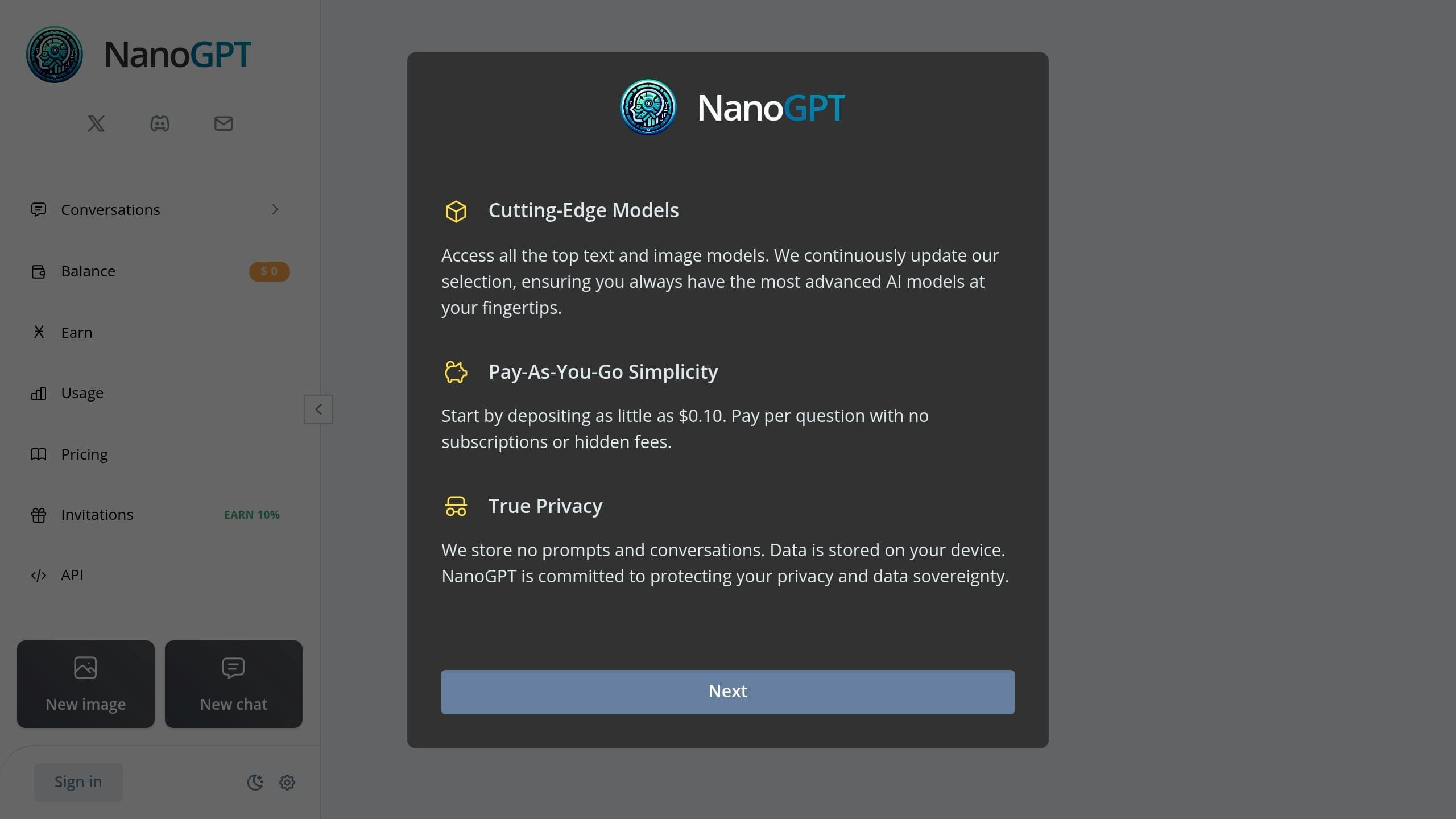
NanoGPT offers a flexible pay-as-you-go system for AI image generation, all handled through local processing. Unlike AnonAI's subscription-based approach, NanoGPT requires minimal personal information and supports multiple models like Stable Diffusion and Dall-E.
Privacy Features
NanoGPT is designed with privacy in mind:
- No Subscription Needed: Pay only for what you use, reducing the need for personal data collection.
- Cookie-Free Option: Guest users can access the platform without creating an account.
Image Generation Capabilities
NanoGPT combines several AI models to deliver diverse image generation options:
| Feature | Details |
|---|---|
| Payment Structure | Starts at $0.10 per use |
Technical Requirements
To run NanoGPT efficiently, your system should meet these specs:
- RAM: 16GB minimum (32GB recommended)
- Storage: 50GB
- GPU: 6GB+ VRAM for best performance
Cost Structure
NanoGPT’s pricing is simple and transparent:
- Minimum Balance: $0.10
- No Monthly Fees: Pay only for each image generated.
This model eliminates the need for recurring subscriptions, which often require storing personal information.
Security Measures
NanoGPT takes several steps to safeguard user data:
- Encrypted Storage: Temporary files are encrypted locally.
- Minimal Data Collection: Only the essentials, like payment details, are collected.
- Opt-Out Analytics: Users can choose to disable analytics tracking.
By relying on local processing, NanoGPT reduces the risks associated with biometric data and ensures greater control over user information.
Limitations
Local processing comes with a few trade-offs. It requires powerful hardware, and image generation may take longer compared to cloud-based solutions. Additionally, credits in guest mode are lost if the browser cache is cleared.
This local-first approach contrasts with Adobe Firefly’s cloud-based processing (discussed next), giving users full control over their data.
3. Adobe Firefly
Adobe Firefly blends creative tools with enterprise-level security using a mix of local and cloud-based processing. This setup places Firefly between NanoGPT's local-only model and Leonardo.ai's cloud-focused approach (discussed next).
Key Privacy Features
Firefly takes privacy seriously, offering several features to give users control over their data:
- Transparent AI attribution system: Adds metadata to images, showing AI involvement [1].
- Customizable privacy settings: Lets users manage data-sharing preferences via Adobe account settings [8].
- Data management tools: Includes options to delete usage data and generated images [8].
- Training data protection: Uses only licensed or public domain content for training [2].
Image Generation Features
| Feature | Details |
|---|---|
| Training Data | Adobe Stock, licensed content, and public domain works [2] |
| Processing Options | Combines local and cloud-based methods [2] |
| Output & Licensing | Generates images, vectors, and designs with commercial licensing [13][10] |
Privacy-Sensitive Use Cases
Firefly's privacy-first design makes it ideal for industries requiring secure workflows:
- Healthcare: Creating medical illustrations.
- Finance: Developing compliant marketing materials.
- Government: Producing secure visual communications [9].
Cost Structure
Firefly's pricing reflects its focus on privacy and enterprise needs:
- Creative Cloud Integration: Included in the All Apps plan for $54.99/month [11].
- Standalone Plan: $4.99/month for 100 credits (as of February 2024) [11].
Performance Impact
A survey found that 90% of beta users felt Firefly improved their creative process without compromising privacy [5].
Limitations
While Firefly offers a strong balance of features, it does have some drawbacks:
- Advanced tools depend on cloud processing [4].
- Creative Cloud integration may increase data exposure.
- Costs are higher compared to local-only solutions.
- Cloud reliance contrasts with self-hosted options like Stable Diffusion (see Section 7).
Adobe Firefly strikes a balance between local and cloud-based systems, making it a solid choice for enterprises that require both creativity and security.
sbb-itb-903b5f2
4. Leonardo.ai
With over 6 million users and a 4.5/5 rating for its privacy measures [12], Leonardo.ai stands out for its focus on local data processing and enterprise-level security. Unlike Adobe Firefly's hybrid cloud model, Leonardo.ai processes data directly on your device while adhering to ISO 27001-certified protection standards.
Key Privacy Features
Leonardo.ai ensures user privacy with a range of safeguards:
- Local data processing (no cloud storage involved)
- Anonymous updates for model training
- Adjustable data retention settings
- Built-in tools like content filters and watermarking
- A strict no-logging policy for user prompts
- Two-factor authentication and single sign-on (SSO) options
Data Protection in Action
These features mitigate risks tied to model inference by keeping sensitive processes isolated:
| Feature | How It Works | Why It Helps |
|---|---|---|
| Content Safety | Content filters, watermarking | Reduces risk of misuse |
| Data Control | Adjustable retention, privacy mode | Empowers users to manage data |
Transparent and Privacy-Focused Policies
Leonardo.ai emphasizes transparency and user trust through:
- Annual transparency reports: Details on government data requests
- No data sales: Clear prohibition on sharing user information
- User alerts: Notifications for legal data requests (when allowed)
Flexible Data Residency
For businesses, Leonardo.ai offers options to meet regional compliance requirements and strengthen security:
- Regional storage tailored to compliance needs
- Advanced security configurations
Pricing
Paid plans begin at $10/month, offering added security features [12].
Drawbacks
While local processing mirrors the setup demands of platforms like AnonAI, Leonardo.ai leans more toward enterprise needs. Some advanced capabilities may require technical expertise to configure.
Leonardo.ai strikes a solid balance between privacy and functionality, making it an excellent choice for users who value control over their data while still exploring creative possibilities.
5. Imagen 2 by Google
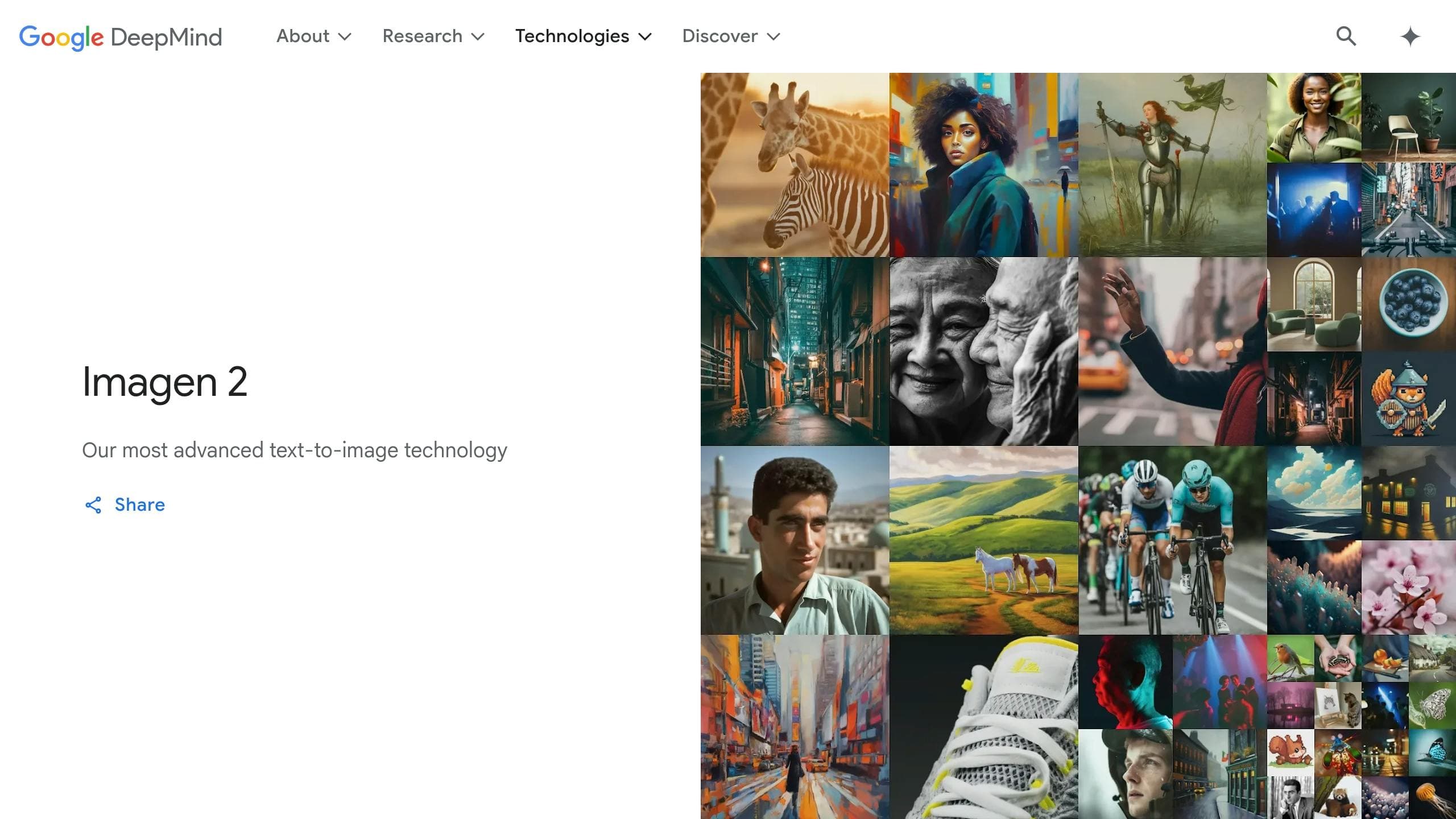
Imagen 2 by Google takes a strong stance on privacy and security, offering cloud-based protections through advanced encryption and AI-driven content safeguards. Currently, access to Imagen 2 is limited as it undergoes safety evaluations, reflecting Google's focus on responsible AI practices.
Privacy Features and Data Protection
Imagen 2 ensures secure data management with features like:
- End-to-end encryption for data transmission
- AI moderation to automatically filter inappropriate content
- Invisible watermarking to trace AI-generated outputs
- User-controlled data deletion via an activity dashboard
Data Protection in Action
| Feature | How It Works | Privacy Advantage |
|---|---|---|
| Data Storage | User prompts are not stored | Reduces risk of data exposure |
| Content Filtering | AI moderation prevents misuse | Blocks harmful or unsafe outputs |
| Watermarking | Digital signatures are invisible | Helps identify AI-created content |
Security Tools for Users
The platform empowers users with options to:
- Review their image generation history
- Adjust preferences for data storage
- Permanently delete personal data when needed
Limitations
There are a few things to keep in mind:
- Requires an internet connection for processing
- Non-identifiable prompts might be used to refine the model
- Currently not available for public use [13]
What's Next?
Future updates aim to include on-device processing and better anonymization of user prompts.
6. Ideogram
Ideogram offers a device-focused solution for image generation, bypassing cloud servers entirely. Unlike Imagen 2's cloud-based protections, all processing happens locally on your device, ensuring greater control over your data[1][2].
Key Privacy Features
Data Control and Ownership
Ideogram puts users in charge of their creations, granting full intellectual property rights for all generated images[4]. Key features include:
- Automatic deletion of inactive data
- Options to delete images or account data whenever you choose
- Data portability for easy transfers
- Clear and transparent data handling policies[7]
Privacy Considerations
While local processing enhances privacy, it comes with certain trade-offs, similar to AnonAI and NanoGPT:
- Slower processing speeds compared to cloud-based systems
- Lack of features that rely on cloud connectivity
Pricing Options
Ideogram sticks to its local-first approach, even for its paid plans. The free tier allows up to 100 image generations daily. For $16/month (or $168 annually), the Pro plan provides additional privacy tools and features[2].
Security Features
To ensure safe and ethical use, Ideogram incorporates content filtering, bias detection, and mandatory security audits as part of its protection measures[3][5].
7. Stable Diffusion (Self-Hosted)
Self-hosting Stable Diffusion gives you full control over your data by running the model directly on your local machine. Unlike cloud-based options like Imagen 2, this open-source solution ensures complete privacy, as no data leaves your device[1].
Key Privacy Features
Running Stable Diffusion locally provides unmatched privacy by keeping everything on your system, with no third-party involvement:
- Full Data Ownership: Prompts and generated images stay on your device.
- Offline Use: No tracking, no data collection - everything happens locally.
Hardware Requirements and Setup
To run Stable Diffusion on your system, here’s what you’ll need:
| Component | Minimum Requirement |
|---|---|
| GPU | NVIDIA GPU with 6GB+ VRAM |
| System RAM | 16GB |
| Storage | 20GB free space |
| GPU Support | CUDA-compatible |
Security Measures
To ensure a secure setup, consider these steps:
- Keep your system and software updated.
- Configure your firewall to manage network access.
- Use strong authentication methods.
- Regularly back up your data.
- Use an isolated virtual environment, if possible.
Performance and Quality
Performance largely depends on your GPU. Running the model locally allows seamless integration with editing tools and customized workflows, giving you more control over the quality and process.
Cost Considerations
While self-hosting removes subscription costs, you’ll need compatible hardware to get started[2].
Integration Options
The self-hosted setup supports a wide range of integrations to fit your workflow:
- Custom API Development: Build your own solutions.
- Plugin Support: Add extra features as needed.
- Direct Editing: Easily connect with image editing software.
Limitations
Before diving in, keep these challenges in mind:
- Requires technical expertise to set up and maintain.
- Initial hardware investment can be expensive.
- Lacks collaboration features offered by cloud-based tools.
For those who prioritize privacy - like organizations handling sensitive data or privacy-conscious individuals - these trade-offs are often worth it for the control and security self-hosting provides[5].
Tool Comparison Chart
Here's a side-by-side look at the main differences between these tools based on privacy, data handling, and rights:
| Feature | AnonAI | NanoGPT | Adobe Firefly | Leonardo.ai | Imagen 2 | Ideogram | Stable Diffusion (Self-hosted) |
|---|---|---|---|---|---|---|---|
| Privacy & Security | |||||||
| Data Storage Location | Local | Local | Cloud | Cloud | Cloud | Cloud | Local |
| End-to-End Encryption | Yes | Yes | Yes | Partial | Yes | No | Configurable |
| Data Retention Period | None | None | 90 days | 30 days | 60 days | 45 days | User-defined |
| User Data Control | Full | Full | Limited | Moderate | Limited | Limited | Full |
| Offline Capability | Yes | Yes | No | No | No | No | Yes |
| 2FA Support | Yes | Optional | Yes | Yes | Yes | No | Configurable |
| API Security | High | High | Enterprise-grade | High | Enterprise-grade | Moderate | Customizable |
| Regular Security Audits | Yes | Yes | Yes | Quarterly | Yes | No | Configurable |
| GDPR Compliance | Yes | Yes | Yes | Yes | Yes | Partial | Configurable |
| Data Collection | |||||||
| Prompt Collection | No | Optional | Yes | Yes | Yes | Yes | No |
| Image Storage | No | Optional | Yes | Yes | Yes | Yes | Local only |
| Usage Analytics | No | Minimal | Yes | Yes | Yes | Yes | No |
| Model Training Use | No | No | Yes | Optional | Yes | Yes | No |
| Rights & Ownership | |||||||
| Image Ownership | User | User | Shared | User | Limited | User | Full user |
| Commercial Use | Yes | Yes | Licensed | Yes | Limited | Yes | Yes |
| Export Options | All formats | Limited | Adobe formats | Multiple | Limited | Standard | Unrestricted |
This table emphasizes the differences in privacy approaches, particularly between tools that rely on local storage versus those using cloud-based systems.
Final Recommendations
After comparing privacy features and data handling practices, here are some tailored suggestions:
- For Maximum Privacy Control: Self-hosted Stable Diffusion is the way to go. It processes everything locally, making it ideal for tech-savvy users who want full control over their data. While it does require some technical know-how, it's a great choice for those prioritizing privacy over convenience.
- For a Balance of Privacy and Usability: AnonAI strikes a good middle ground. It processes data on your device without storing it, offering both privacy and ease of use. Its user-friendly interface makes it accessible while still respecting your data.
- For Professional Creatives: Adobe Firefly is designed with enterprise security and transparent licensing in mind. It's a solid choice for professionals working on commercial projects where security and clear licensing are crucial.
- For High-Volume Image Generation: Leonardo.ai is built for scalability, offering API access for batch processing. Its strong security measures make it a dependable option for businesses handling large-scale projects.
Here's a quick summary:
| User Need | Recommended Tool | Best For |
|---|---|---|
| Complete Data Control | Stable Diffusion | Technical users & organizations |
| Daily Creative Work | AnonAI | Individual creators |
| Commercial Projects | Adobe Firefly | Professional teams |
| Batch Processing | Leonardo.ai | Business users |