CLI Device Login Now Available
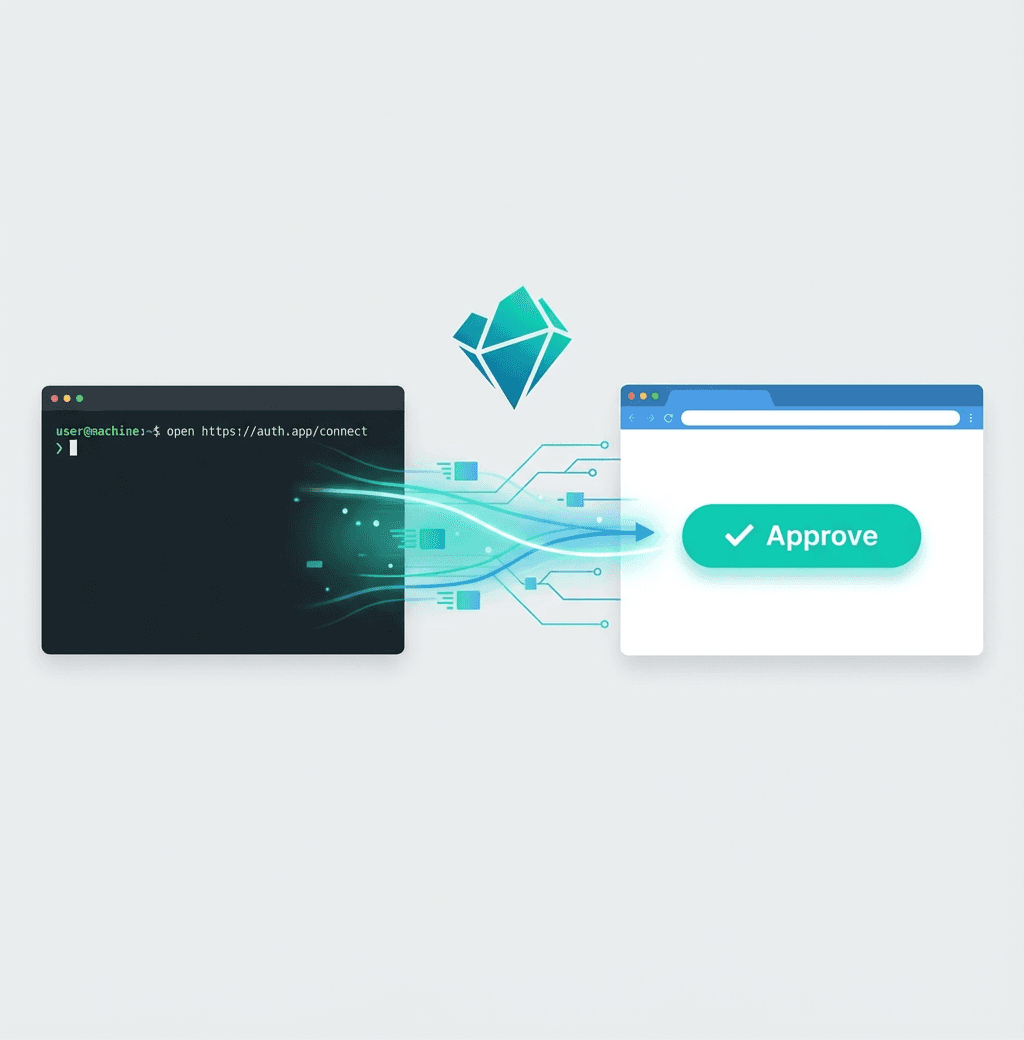
We've added device login for CLI applications. If you're building a terminal tool that uses NanoGPT, your users can now authenticate with a single browser click instead of manually copying API keys.
How It Works
The flow is simple and familiar - it's the same pattern used by GitHub CLI and Claude Code:
- Your CLI requests a login code from NanoGPT
- User opens a URL in their browser
- User signs in and clicks "Approve"
- Your CLI automatically receives an API key
No copying, no pasting, no friction.
Why This Matters
Before this, CLI tools had to ask users to:
- Log into NanoGPT
- Navigate to settings
- Create an API key
- Copy it
- Paste it into the terminal
Now it's just: run login command → click approve → done.
For Developers
Integrating this into your CLI takes three API calls:
Start the flow:
curl -X POST "https://nano-gpt.com/api/cli-login/start" \
  -H "Content-Type: application/json" \
  -d '{"client_name": "your-app-name"}'
Show the user the verification URL, then poll:
curl -X POST "https://nano-gpt.com/api/cli-login/poll" \
  -H "Content-Type: application/json" \
  -d '{"device_code": "..."}'
Once approved, you get back an API key (sk-nano-...) that works with all NanoGPT endpoints.
Full integration guide: CLI Device Login Documentation
For Users
If a CLI tool you use supports NanoGPT device login, you'll see something like:
To authenticate, open this URL in your browser:

  https://nano-gpt.com/cli-login/verify?code=VS8Q-ZY3Q

Waiting for approval...
Open the link, sign in if needed, click Approve, and you're done. The CLI will automatically receive your credentials.
Key Management
API keys created through this flow appear in your account as CLI (<app-name>). You can view and revoke them anytime from the API Keys section in settings. Each CLI tool gets its own dedicated key, so you can revoke access to one tool without affecting others.
What's Next
We're working with CLI tool developers to add NanoGPT device login support. If you're building something and want to integrate, check out the documentation or reach out.
Happy building.