
R Integration with OpenAI API: Steps

Want to integrate OpenAI's API with R for tasks like text generation, translation, or data analysis? Here's a quick guide to get you started:
- Install Required Tools:
install.packages("httr2")
install.packages("jsonlite")- Get Your API Key:
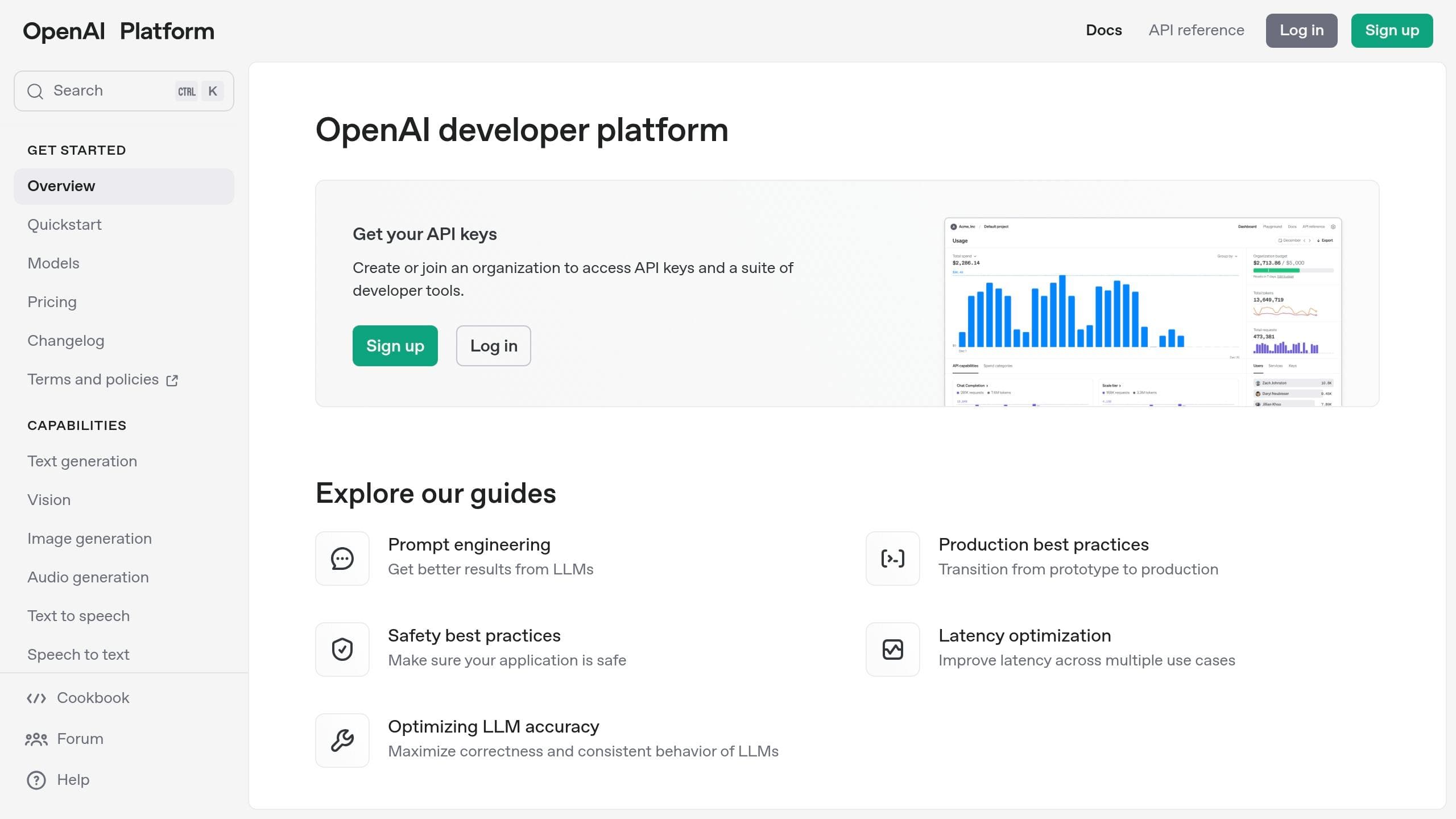
- Sign up at OpenAI and generate an API key.
- Store it securely using environment variables, e.g.,
Sys.setenv(OPENAI_API_KEY = "your-key").
- Set Up API Requests:
Use thehttr2package to create requests. Example for GPT-3.5-Turbo:
library(httr2)
request <- request("https://api.openai.com/v1/completions") %>%
  req_headers(
    "Authorization" = paste("Bearer", Sys.getenv("OPENAI_API_KEY")),
    "Content-Type" = "application/json"
  ) %>%
  req_body_json(list(
    model = "gpt-3.5-turbo",
    prompt = "Your prompt here",
    max_tokens = 100
  ))
response <- req_perform(request)
result <- resp_body_json(response)- Handle Responses:
Extract and process the generated text from the API response.
generated_text <- result$choices[[1]]$text
print(generated_text)- Error Handling and Security:
- Use
tryCatch()or retry logic for failed requests. - Secure API keys in
.Renvironor use tools likekeyring.
- Use
- Cost Management:
Monitor token usage (1 token ≈ 4 characters). For example, GPT-3.5 costs $0.0015 per 1,000 tokens for prompts.
Quick Comparison: OpenAI API vs. NanoGPT
| Feature | OpenAI API | NanoGPT (Open-source) |
|---|---|---|
| Data Privacy | OpenAI stores data for 30 days | Minimum retention |
| Ease of Use | Simple REST API integration | OpenAI compatible API |
| Cost | Pay per API usage | Pay per API usage |
| Model Access | GPT-3.5, GPT-4 | All models |
| Best For | Text generation, summarization | Using multiple models |
Both options have their strengths - OpenAI is ideal for quick, cloud-based tasks, while NanoGPT offers many different models all in one place.
Using openai's API in R with the reticulate package
Required Setup
This section outlines the key components and credentials you'll need to integrate with the OpenAI API using R.
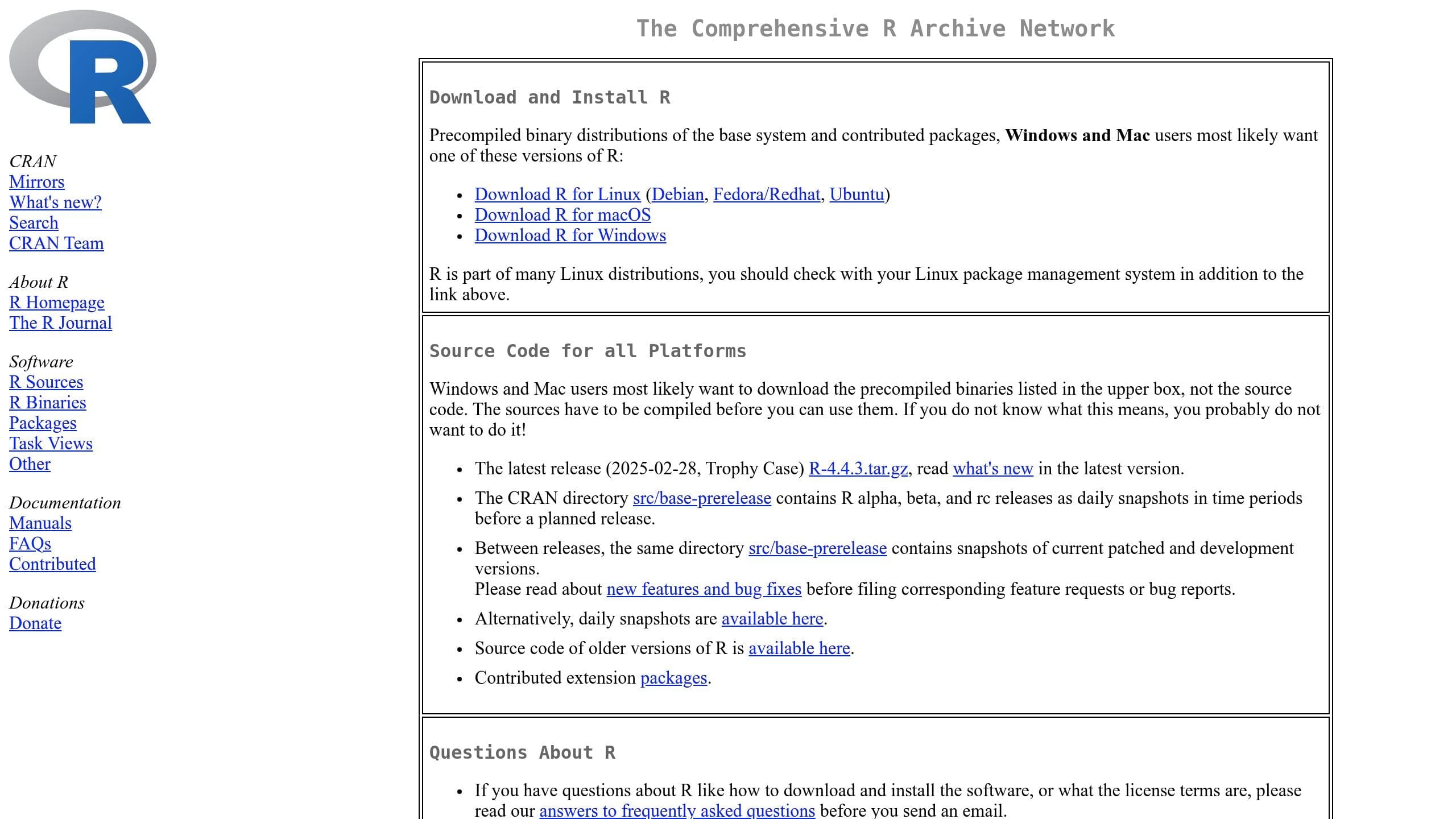
R Installation and Setup
To get started, you'll need to install R and some additional tools and packages. Here's a quick guide:
| Component | Purpose | Installation Source |
|---|---|---|
| R Base | Core programming language | CRAN website |
| RStudio Desktop | Integrated development tool | RStudio website |
| httr2 | HTTP client for API requests | R package |
| jsonlite | JSON data handling | R package |
Once RStudio is installed, open it and run the following commands to install the necessary packages:
install.packages("httr2")
install.packages("jsonlite")
After completing the setup, you'll need your OpenAI API key to start making requests.
Getting an OpenAI API Key
To access OpenAI's services, follow these steps to obtain an API key:
- Create an OpenAI Account
Head to platform.openai.com and sign up for an account. OpenAI provides $5 in free credits for testing the API. - Generate Your API Key
Navigate to the API keys section in your OpenAI dashboard and create a new key. Save this key somewhere safe, as it will only be displayed once. - Set Up Environment Variables
To securely store your API key, use environment variables.- Windows users: Add this line in R:
Sys.setenv(OPENAI_API_KEY = "your-api-key")- macOS/Linux users: Add this to your shell configuration file (e.g.,
.bashrcor.zshrc):
export OPENAI_API_KEY='your-api-key'The httr2 package includes tools like secret_encrypt() for secure storage and obfuscate() for protecting sensitive data, ensuring your API key stays safe during integration.
Setting Up the Environment
Required R Packages
Before starting, make sure the httr2 and jsonlite packages are installed. If you're unsure how to install them, refer to the 'R Installation and Setup' section for guidance.
Load the necessary packages into your R session:
library(httr2)
library(jsonlite)
API Key Security
Once the packages are ready, it's crucial to securely store your API key. Here's how to do it based on your operating system:
For Windows users:
# Set API key as an environment variable
Sys.setenv(OPENAI_API_KEY = "your_api_key_here")
For Linux/macOS users:
# Add the API key to your shell configuration file
echo "export OPENAI_API_KEY='your_api_key_here'" >> ~/.zshrc
source ~/.zshrc| Security Practice | How to Implement |
|---|---|
| Use Environment Variables | Store the API key securely with Sys.setenv() |
| Rotate Keys Regularly | Update your keys periodically via the OpenAI dashboard |
| Monitor Access | Watch for unusual usage patterns |
| Assign Unique Keys | Provide each team member with their own API key |
API Request Format
Here's an example of how to make a request using the httr2 package:
request <- request("https://api.openai.com/v1/completions") %>%
  req_headers(
    "Authorization" = paste("Bearer", Sys.getenv("OPENAI_API_KEY")),
    "Content-Type" = "application/json"
  ) %>%
  req_body_json(list(
    model = "gpt-3.5-turbo",
    prompt = "Your prompt here",
    max_tokens = 100
  ))
Key Components of the Request:
- Base URL Endpoint: The API endpoint you're targeting.
- Authorization Header: Includes your API key for authentication.
- Content-Type Header: Specifies the format of the request body.
- Request Body: A JSON object containing parameters like the model, prompt, and token limits.
To ensure smooth interaction with OpenAI's API, always secure your API keys and use proper error handling. Consider wrapping your requests in tryCatch() to manage potential issues gracefully.
Making API Calls
Request Setup
To set up an API call for the OpenAI API, you'll need to structure your request properly. Check the API Request Format for details on required headers and body parameters.
Here's an example of a chat completion request setup in R:
chat_request <- request("https://api.openai.com/v1/chat/completions") %>%
  req_headers(
    "Authorization" = paste("Bearer", Sys.getenv("OPENAI_API_KEY")),
    "Content-Type" = "application/json"
  ) %>%
  req_body_json(list(
    model = "gpt-4o-mini",
    messages = list(
      list(
        role = "system",
        content = "You are a data analysis assistant."
      ),
      list(
        role = "user",
        content = "How can I calculate the mean of a vector in R?"
      )
    ),
    temperature = 0.7,
    max_tokens = 150
  ))
This example builds on earlier configurations for your API key and the required R packages. Once the request is set up, you can execute it using the httr2 package.
Using httr2 for Requests
The httr2 package simplifies API communication in R. Here's how you can send the request and handle the response:
# Send the request
response <- req_perform(chat_request)

# Extract generated text from the response
result <- resp_body_json(response)
generated_text <- result$choices[[1]]$message$content| Parameter | Description | Example Value |
|---|---|---|
| temperature | Adjusts randomness (0-1) | 0.7 |
| max_tokens | Limits response length | 150 |
| messages | Conversation history as an array | List of role/content pairs |
"httr2 (pronounced 'hitter2') is a modern HTTP client that provides a pipeable API for working with web APIs."
After sending the request, you'll need to handle the response and manage potential errors.
Response and Error Management
Error handling is essential for smooth API operations. Here's a function to manage responses and retry on failure:
make_api_request <- function(request) {
  tryCatch({
    response <- req_perform(request)
    resp_body_json(response)
  }, error = function(e) {
    if (grepl("timeout", e$message)) {
      options(timeout = 3600)
      return(make_api_request(request))
    }
    stop('API request failed: ', e$message)
  })
}
Typical issues include timeouts (adjust options(timeout)), rate limits (use Sys.sleep() between requests), and authentication errors (double-check your API key).
For production scenarios, it’s a good idea to add retry logic for more resilience:
retry_request <- function(request, max_attempts = 3) {
  attempt <- 1
  while (attempt <= max_attempts) {
    result <- try(req_perform(request))
    if (!inherits(result, "try-error")) return(result)
    Sys.sleep(2 ^ attempt) # Exponential backoff
    attempt <- attempt + 1
  }
  stop("Maximum retry attempts reached")
}
This retry function ensures your application can recover from transient issues like network interruptions or rate limits.
sbb-itb-903b5f2
Text Generation in R
This section dives into crafting effective prompts, processing outputs, and monitoring usage when working with the OpenAI API in R.
Writing Effective Prompts
A well-crafted prompt is key to generating high-quality text. Using the openai package, you can define a conversation prompt like this:
chat_prompt <- list(
  list(
    role = "system",
    content = "You are a professional data scientist specializing in R programming"
  ),
  list(
    role = "user",
    content = "Write a function to calculate moving averages with these requirements:
    - Input: numeric vector and window size
    - Output: vector of moving averages
    - Handle edge cases
    Please include comments explaining the code."
  )
)
Tips for better prompts:
- Clearly define the AI's role in the system message.
- Break down complex requests into smaller parts.
- Specify the desired format for the output.
- Provide any necessary context or constraints.
Once you have a clear prompt, the next step is to handle the output from the API effectively.
Processing API Output
After sending a request, you can extract and format the API's response like this:
# Make the API request
response <- create_chat_completion(
  model = "gpt-4o-mini",
  messages = chat_prompt,
  temperature = 0.7
)

# Extract and format the output
generated_code <- response$choices[[1]]$message$content
formatted_code <- gsub("\n\n", "\n", generated_code)
cat(formatted_code)
Here’s a quick breakdown of how to access different parts of the response:
| Response Component | Access Method | Description |
|---|---|---|
| Latest Response | $latest_response | The most recent API response |
| Choices | $choices | Array of generated completions |
| Usage Stats | $usage | Details on token consumption |
| Model Info | $model | The model used for the response |
After formatting the output, it's important to monitor token usage to manage costs and stay within limits.
Usage and Rate Limits
Tracking your API usage helps you manage costs and avoid exceeding rate limits. Here’s an example of how to log usage metrics:
track_usage <- function(response) {
  usage <- response$usage
  current_time <- format(Sys.time(), "%Y-%m-%d %H:%M:%S")

  # Log usage statistics
  write.table(
    data.frame(
      timestamp = current_time,
      prompt_tokens = usage$prompt_tokens,
      completion_tokens = usage$completion_tokens,
      total_tokens = usage$total_tokens
    ),
    "api_usage_log.csv",
    append = TRUE,
    sep = ",",
    row.names = FALSE
  )
}
Common Issues and Solutions
Integrating OpenAI's API with R can come with its challenges. Below, you'll find common problems and straightforward solutions to keep things running smoothly.
Problem Solving Guide
When making API requests with R, you might encounter a few recurring issues. Here's how to handle them:
Timeout Errors
If requests take too long, adjust the timeout setting:
# Extend timeout duration to handle long-running requests
options(timeout = 3600)  # Sets timeout to 1 hour
JSON Parsing Issues
Make sure your request body is formatted as valid JSON:
# Example of a properly structured JSON request body
request_body <- list(
  model = "gpt-4",
  messages = list(
    list(role = "user", content = "Hello")
  ),
  temperature = 0.7
)
Authentication Problems
Double-check that your API key is correctly configured. Errors often occur when the key isn't set properly.
These tips, combined with earlier configuration steps, can help ensure smooth API interactions.
Cost Management
Managing costs is just as important as solving technical issues. Here are a few practical ways to make your API usage more efficient:
| Strategy | How to Implement | Benefit |
|---|---|---|
| Batch Processing | Combine multiple requests | Fewer API calls |
| Model Selection | Use smaller models for simple tasks | Lower cost per token |
| Token Optimization | Remove unnecessary whitespace | Maximizes token usage |
To keep track of expenses, you can estimate costs based on token usage:
# Function to calculate cost based on token usage
estimate_cost <- function(prompt_tokens, completion_tokens, model = "gpt-4") {
  rates <- list(
    "gpt-4" = list(prompt = 0.03, completion = 0.06),
    "gpt-3.5-turbo" = list(prompt = 0.0015, completion = 0.002)
  )

  cost <- (prompt_tokens * rates[[model]]$prompt +
           completion_tokens * rates[[model]]$completion) / 1000
  return(cost)
}
Security Guidelines
Protecting your API credentials is critical. Here are additional steps to safeguard your keys:
"Ensure that your API key is properly set in your application's configuration or environment variables. If you are using an environment variable, make sure it is correctly set and accessed in your code." - ChatGPT4
Key Storage Best Practices:
- Environment Variables
Store your API key securely in a .Renviron file:
OPENAI_API_KEY=your-key-here- Secure Key Management
For added security, use the keyring package to manage keys:
library(keyring)
key_set("openai_api", "your-username")
api_key <- key_get("openai_api")- Version Control Safety
Avoid exposing sensitive files by adding them to .gitignore:
.Renviron
keys.R
.env
NanoGPT Overview
NanoGPT offers an alternative to the OpenAI API, catering to both developers and businesses. It provides a commercial platform for accessing various AI tools. Below, we'll break down what NanoGPT offers and how it stacks up against the OpenAI API.
About NanoGPT
For those who want ready-to-use AI tools, NanoGPT’s platform (available at nano-gpt.com) offers:
| Feature | Description |
|---|---|
| Model Access | Includes ChatGPT, Deepseek, Gemini, and Flux Pro |
| Image Generation | Offers tools like Dall-E and Stable Diffusion |
| Pricing Model | Pay-as-you-go, starting at $0.10 |
| Data Privacy | Ensures local data storage for added security |
| Authentication | Allows optional account-free usage |
NanoGPT and OpenAI API Comparison
When comparing NanoGPT to the OpenAI API, key differences emerge in areas like data privacy, security, and integration flexibility.
Data Privacy and Security
NanoGPT requests maximum deletion from every provider, providing more control over sensitive information. In contrast, OpenAI stores data for up to 30 days, although users can request zero data retention in certain cases.
Integration Options
- Tools like gptstudio (an R package) make it easy to integrate with multiple AI services.
- For those prioritizing privacy, deploying local models using tools like Ollama can be a better option compared to third-party services.
On the other hand, OpenAI's API shines in generating content like product descriptions, emails, chatbot responses, and marketing materials.
Ultimately, the right choice depends on your priorities - whether it’s data privacy, cost, or ease of integration.
Summary
Integration Steps Review
Integrating the OpenAI API with R involves a clear process that ensures both security and efficiency. Below is a detailed breakdown of the key steps:
| Step | Key Actions | Key Considerations |
|---|---|---|
| Account Setup | Create an OpenAI account and generate an API key | Keep your API key secure and confidential |
| R Environment | Install the openai, httr2, and jsonlite packages | Ensure you’re using the latest versions |
| Security Setup | Configure environment variables | Use a .Renviron file for persistent storage |
| API Integration | Initialize the library and make API calls | Monitor usage and respect rate limits |
| Response Handling | Process API responses using jsonlite | Include error handling for unexpected issues |
Best Practices
To maximize security, performance, and efficiency, follow these tips while integrating the OpenAI API:
- Store API keys securely in environment variables using
Sys.setenv(OPENAI_API_KEY = 'YOUR_API_KEY'). - Add
.envfiles to your.gitignoreto avoid exposing sensitive information. - Assign unique API keys to team members for better accountability.
- Keep track of API usage via OpenAI's dashboard.
- Choose model versions based on your requirements; for example, GPT-3.5 offers a cost-effective option.
- Build error handling mechanisms to deal with rate limits and unexpected API responses.
- Always validate API responses for accuracy.
- Be cautious about data sensitivity when sending information to OpenAI’s servers.
- Regularly rotate API keys to maintain security.
Important: If your application handles sensitive data, ensure you use advanced security measures and adhere to strict protocols.