
Pay-As-You-Go vs Subscription AI Models: Cost Comparison

Choosing between Pay-As-You-Go (PAYG) and subscription models depends on how much and how often you use AI tools. Here's the quick breakdown:
- PAYG: Pay only for what you use - ideal for occasional or unpredictable usage.
- Subscription: Fixed monthly fee with unlimited access - best for consistent, heavy usage.
- Hybrid Models: Combine both for flexibility, offering volume discounts or tiered plans.
Quick Comparison Table
| Feature | PAYG | Subscription |
|---|---|---|
| Base Cost | $0.10 minimum (NanoGPT) | $20/month (ChatGPT Plus) |
| Usage Charges | Per token/request | Included in base price |
| Access to Advanced Models | Pay premium rates | Included |
| Scalability | Highly flexible | Limited by tier restrictions |
| Best For | Occasional or variable workloads | Heavy, consistent usage |
Key Takeaways
- PAYG works better for sporadic users or those testing AI tools.
- Subscriptions save money for high-volume users with steady needs.
- Hybrid models offer a middle ground for users with fluctuating demands.
Keep your usage patterns in mind to pick the most cost-effective option.
Comparing AI Model Costs: Finding the Best Model for Your Tasks
Basic Price Structures
Pricing models vary significantly, each catering to different user needs and usage patterns. Here's a breakdown of the two main structures:
PAYG Cost Structure
Pay-as-you-go (PAYG) pricing charges users based on usage, such as token consumption or API calls. For instance, NanoGPT requires a minimum balance of just $0.10 [4], while Anthropic's Claude 2 charges $11.02 per million tokens [5], making it suitable for large-scale processing tasks.
Subscription Cost Structure
Subscription plans offer fixed rates with unlimited access and premium features. These typically include:
- Access to advanced models and priority processing
- Regular feature updates and dedicated customer support
Price Comparison Chart
| Feature | PAYG Model | Subscription Model |
|---|---|---|
| Base Cost | $0.10 minimum (NanoGPT) | $19.99-$20/month |
| Usage Charges | Per token/request | Included in base price |
| Access to Advanced Models | Pay premium rates | Included |
| Priority Processing | Not usually available | Included |
| Scalability | Highly flexible | Fixed monthly limit |
| Best For | Occasional users, variable workloads | Heavy users, consistent needs |
Some platforms combine these models, offering volume discounts for higher usage. This hybrid approach aligns with user behavior: PAYG suits those with irregular or variable needs, while subscriptions are ideal for users with steady, high-demand requirements.
Cost Factors to Watch
Understanding what drives costs in AI service pricing can help you choose the best option for your needs. Let’s break down the main factors that influence total expenses.
Usage Patterns and Model Types
The type of model and how you use it play a big role in determining costs. For instance:
- Model sophistication impacts pricing: GPT-4 is significantly more expensive than GPT-3.5, with GPT-4 costing $0.03 per 1,000 tokens for input and $0.06 per 1,000 tokens for output, compared to GPT-3.5’s $0.002 per 1,000 tokens for both input and output. Image generators like DALL-E also require higher credits for better outputs [1].
- Computational resources matter: As industry experts note, "computational resources dramatically influence costs across both models" [6].
These factors mean higher complexity or output quality often leads to higher costs.
Extra Fees and Limits
Hidden fees can also make a big difference in total pricing. Here's how they compare across pay-as-you-go (PAYG) and subscription models:
| Cost Factor | PAYG Impact | Subscription Impact |
|---|---|---|
| API Rate Limits | Per-minute restrictions | Monthly caps |
| Data Storage | Pay per GB stored | Limited storage included |
| Data Transfer | Charged for outbound transfer | Often bundled |
| Support Services | Additional cost | Usually included |
| Model Updates | Premium pricing | Included in base price |
To manage costs effectively, keep an eye on API usage, data storage, data transfer, and compute consumption. These elements directly affect whether PAYG’s flexibility or a subscription’s predictable pricing works better for you. Sporadic users may waste money on subscriptions, while heavy users could face unexpected PAYG charges.
sbb-itb-903b5f2
Cost Examples by Use Case
Let’s break down some cost scenarios to help you figure out which pricing model works best for your needs.
Subscription Break-Even Point
For GPT-3.5 Turbo, the break-even point between pay-as-you-go (PAYG) and subscription pricing happens at 5 million tokens per month [4]. Here's the math: (5,000,000 ÷ 1,000) × $0.004 = $20, which matches the ChatGPT Plus subscription cost of $20.
If you process fewer than 5 million tokens a month, PAYG is usually the better option. On the other hand, heavy users can save a lot with a subscription. For instance, processing 10 million tokens would cost $40 under PAYG but only $20 with a subscription [4].
Cost by User Type
Different usage patterns align with specific cost thresholds:
| User Type | Tokens/Month | PAYG Cost | Subscription | Savings |
|---|---|---|---|---|
| Casual | 1M | $4 | $20 | -$16 |
| Regular | 5M | $20 | $20 | $0 |
| Enterprise | 10M | $40 | $20 | $20 |
Usage Cost Examples
For businesses with large-scale operations, like enterprise medical imaging, the savings can be substantial. One medical imaging company cut costs by 30% by switching to a subscription plan for unlimited processing [2].
Ultimately, the best pricing model depends on your usage. Organizations with steady, high-volume needs often save more with subscriptions, while PAYG is ideal for those with lower or unpredictable usage.
Benefits and Limitations
PAYG: Pros and Cons
PAYG pricing lets you pay based on actual usage, giving you tight control over costs. For example, it has driven a 29.9% year-over-year revenue growth compared to SaaS averages [3]. However, it comes with risks like unexpected cost spikes - think Microsoft Copilot's $0.01 per message charges [8]. This model works best when paired with real-time tools to monitor usage, unlike flat-rate pricing.
Subscriptions: Pros and Cons
Subscriptions provide predictable costs and can save money for users with high, consistent usage. Fixed monthly fees simplify budgeting and often include premium features not available in PAYG plans.
The downside? You might overpay during slower periods, and you're locked into specific pricing tiers, even if your needs change.
Side-by-Side Comparison
| Aspect | PAYG | Subscription |
|---|---|---|
| Cost Structure | Usage-based pricing | Fixed monthly fee |
| Usage Flexibility | High - adjust instantly | Limited by tier restrictions |
| Budget Control | Tied directly to usage | Predictable monthly costs |
| Feature Access | Pay extra for advanced tools | Full feature bundles |
| Ideal Use Case | Sporadic or testing phases; risk: cost spikes | Consistent high-volume use; risk: unused capacity |
These pros and cons explain why 46% of SaaS companies now offer both models [7]. By 2023, this figure is expected to hit 61% [7], highlighting the push for hybrid options that combine PAYG's flexibility with subscription stability.
For businesses and freelancers, the choice depends on usage patterns. Consistent, high-volume users often find subscriptions more cost-effective, while those with irregular or seasonal needs may prefer PAYG. This growing interest in hybrid models sets the stage for exploring mixed pricing strategies.
New Mixed Pricing Options
With the increasing popularity of hybrid payment models, providers are now blending PAYG (Pay-As-You-Go) and subscription plans to cater to a broader range of users.
Current Mixed Models
Google AI Studio offers a tiered pricing structure designed to balance costs for medium-volume users:
- Free tier: Up to 60 requests per minute.
- Basic tier: $10/month plus $1 per 1,000 requests.
- Advanced tier: $60/month plus $1 per 1,000 requests [6].
Similarly, OpenAI uses a graduated pricing system across its GPT models [9].
NanoGPT's PAYG System
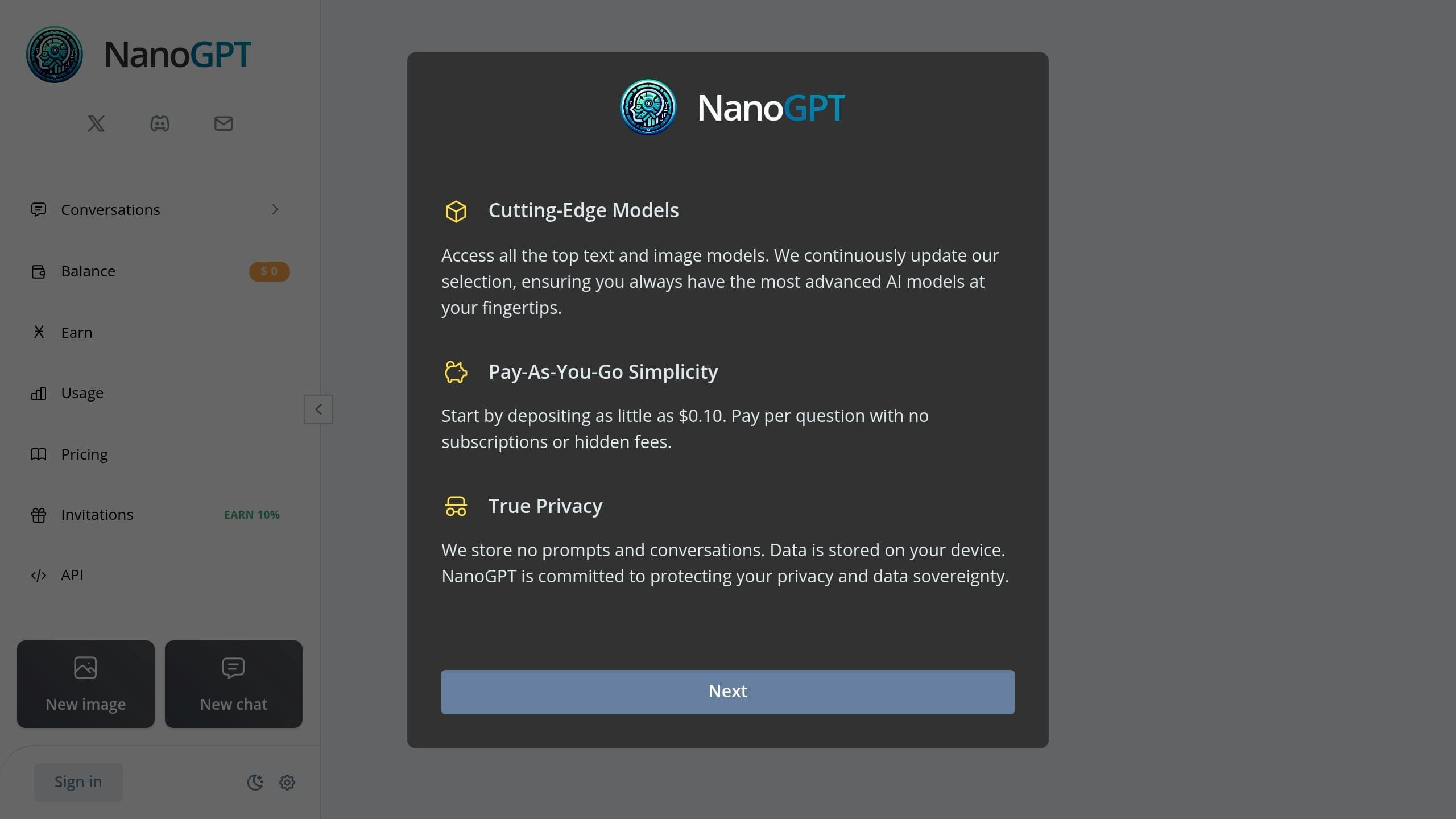
NanoGPT takes a different approach by removing subscription fees altogether. This model is tailored for users focused solely on usage-based costs. Key features include:
- A minimum balance of $0.10.
- Charges applied per query.
- No account required for basic access.
| Feature | Traditional Mixed Models | NanoGPT's Approach | Cost Efficiency at 5M Tokens |
|---|---|---|---|
| Base Cost | Monthly fee | No base fee | $50 |
| Usage Charges | Volume-based pricing tiers | Pay-per-use only | $5 |
| Minimum Commitment | Contracts | $0.10 balance | N/A |
This streamlined system offers flexibility and cost savings, especially for those with unpredictable or low-volume usage needs.
Conclusion
Key Takeaways
When deciding between pricing models, consider these factors:
- Usage patterns: Pay-as-you-go (PAYG) works well for occasional use, while subscriptions suit consistent, steady usage.
- Budget preferences: PAYG offers precise cost tracking, whereas subscriptions provide predictable, fixed expenses.
- Business needs: Subscriptions often come with added features like compliance and support, which can be crucial for enterprises.
Hybrid models are becoming more common, allowing organizations to mix base subscriptions with PAYG for overflow usage. For example, GPT-3.5-turbo costs $0.002 per 1,000 tokens [1], while ChatGPT Plus offers a fixed $20 monthly fee [6]. This combination can help businesses handle fluctuating workloads more effectively.
Choosing the Right Model
To make the best choice, align your usage patterns with the appropriate pricing approach:
| Usage Pattern | Recommended Model |
|---|---|
| Occasional (<5M tokens) | PAYG |
| Heavy (>5M tokens) | Subscription |
| Fluctuating demands | Hybrid |
Keep an eye on your usage and adjust your plan as your AI needs grow or change. Regular reassessment ensures you're always using the most cost-effective option.