
Top 7 AI Tools for Restoring Old Photos
Restoring old photos is easier and faster with AI tools. Whether you're fixing faded colors, repairing scratches, or enhancing details, these tools can save time and effort. Here's a quick overview of the top 7 photo restoration tools and their key features:
- VanceAI Photo Restorer: Upscales images, repairs damage, and enhances colors with batch processing options.
- Hotpot AI: Credit-based pricing for flexible use, with plans starting at $9.99/month.
- Fotor AI Photo Restorer: Offers both automated fixes and manual adjustments for personalized results.
- Remini: Focuses on facial detail recovery and improving image quality.
- PhotoGlory: Repairs damage, adjusts colors, and restores details in vintage photos.
- Picsart AI Photo Enhancer: Beginner-friendly with free and premium options for fixing discoloration and damage.
- NanoGPT: Pay-as-you-go model starting at $0.10 per photo, with local data processing for privacy.
Quick Comparison Table
| Tool | Key Features | Pricing Model | Best For |
|---|---|---|---|
| VanceAI | Batch processing, upscaling | Subscription | High-volume restoration |
| Hotpot AI | Flexible credit system | Credit-based plans | Occasional and pro users |
| Fotor AI | Auto/manual adjustments | Free & paid options | Beginners |
| Remini | Facial detail enhancement | Subscription | Family and historical photos |
| PhotoGlory | Vintage photo restoration | One-time purchase | Professionals |
| Picsart | Simple editing tools | Free & premium plans | Casual users |
| NanoGPT | Local data processing | Pay-as-you-go | Privacy-focused users |
Choose a tool based on your needs, budget, and how often you'll use it. For privacy, NanoGPT is a standout, while VanceAI and Hotpot AI are great for large projects.
10 Best AI Photo Restoration Tools in 2024
1. VanceAI Photo Restorer
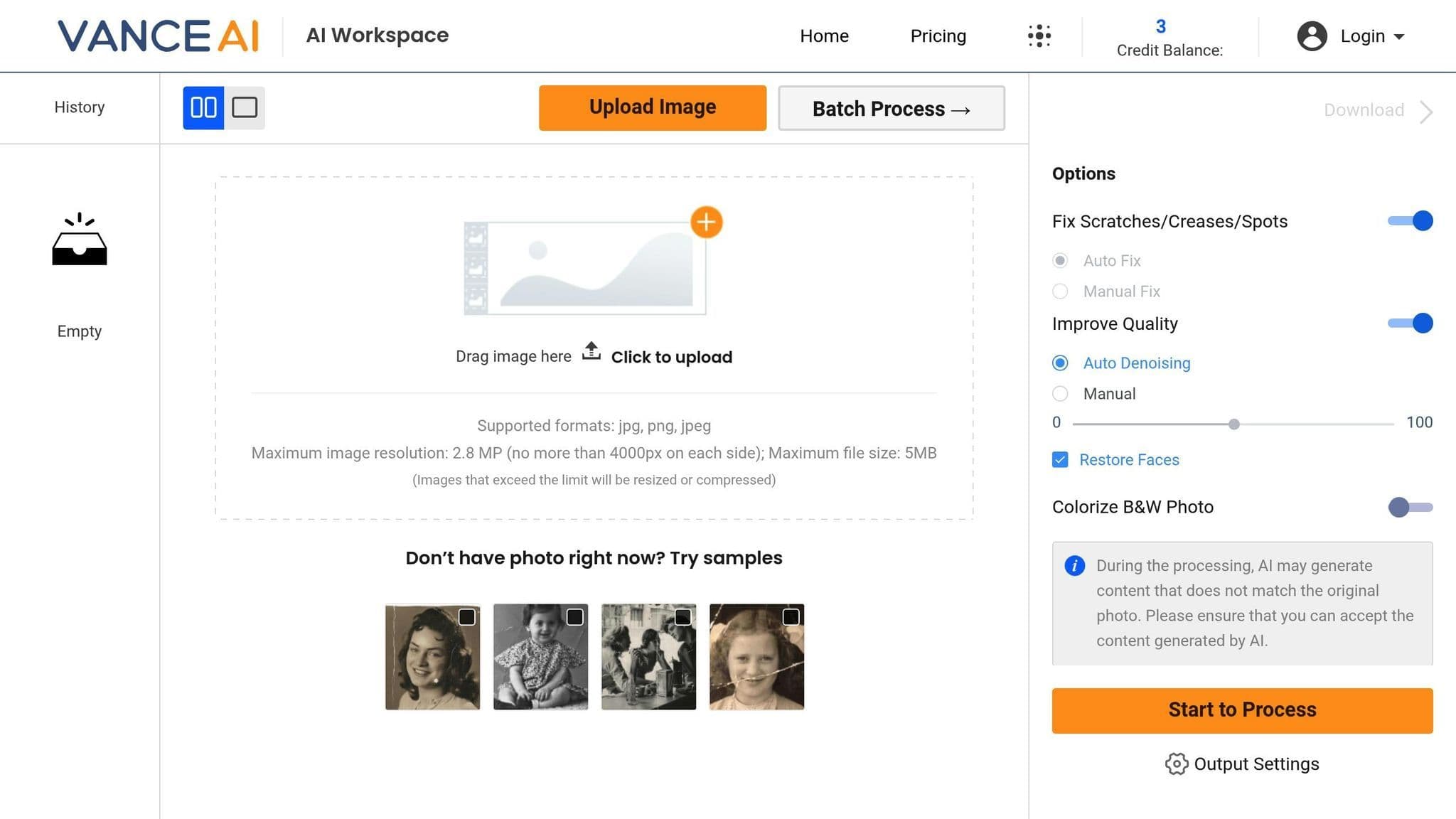
VanceAI Photo Restorer is designed to bring old or damaged photos back to life. Here are some of its key features:
- Face detail preservation: Enhances facial details with precision.
- Automatic color correction: Restores faded colors to their original vibrancy.
- Damage repair: Fixes scratches, tears, and creases seamlessly.
- Batch processing: Handles multiple photos at once.
- Resolution boost: Upscales images up to 8× their original size.
The tool also offers three processing modes, making it easy to tailor the restoration process to your needs:
- Standard Restoration: Ideal for routine photo enhancements.
- Heavy Restoration: Best for photos with severe damage.
- Color Enhancement: Perfect for adding color to black-and-white images.
Its user-friendly interface ensures a smooth experience, whether you're restoring a single photo or working on a batch.
2. Hotpot AI

Hotpot AI offers a credit-based pricing system designed to suit a variety of needs. Here's a breakdown of their plans:
| Plan | Credits | Monthly Cost | Cost per Photo |
|---|---|---|---|
| Basic | 50 | $9.99 | $0.20 |
| Pro | 200 | $29.99 | $0.15 |
| Enterprise | 1,000 | $99.99 | $0.10 |
This structure works well for both casual users and professionals. Whether you're looking for occasional use or need a higher volume of credits, there's a plan that fits. Up next, take a look at another tool offering advanced photo restoration capabilities.
3. Fotor AI Photo Restorer
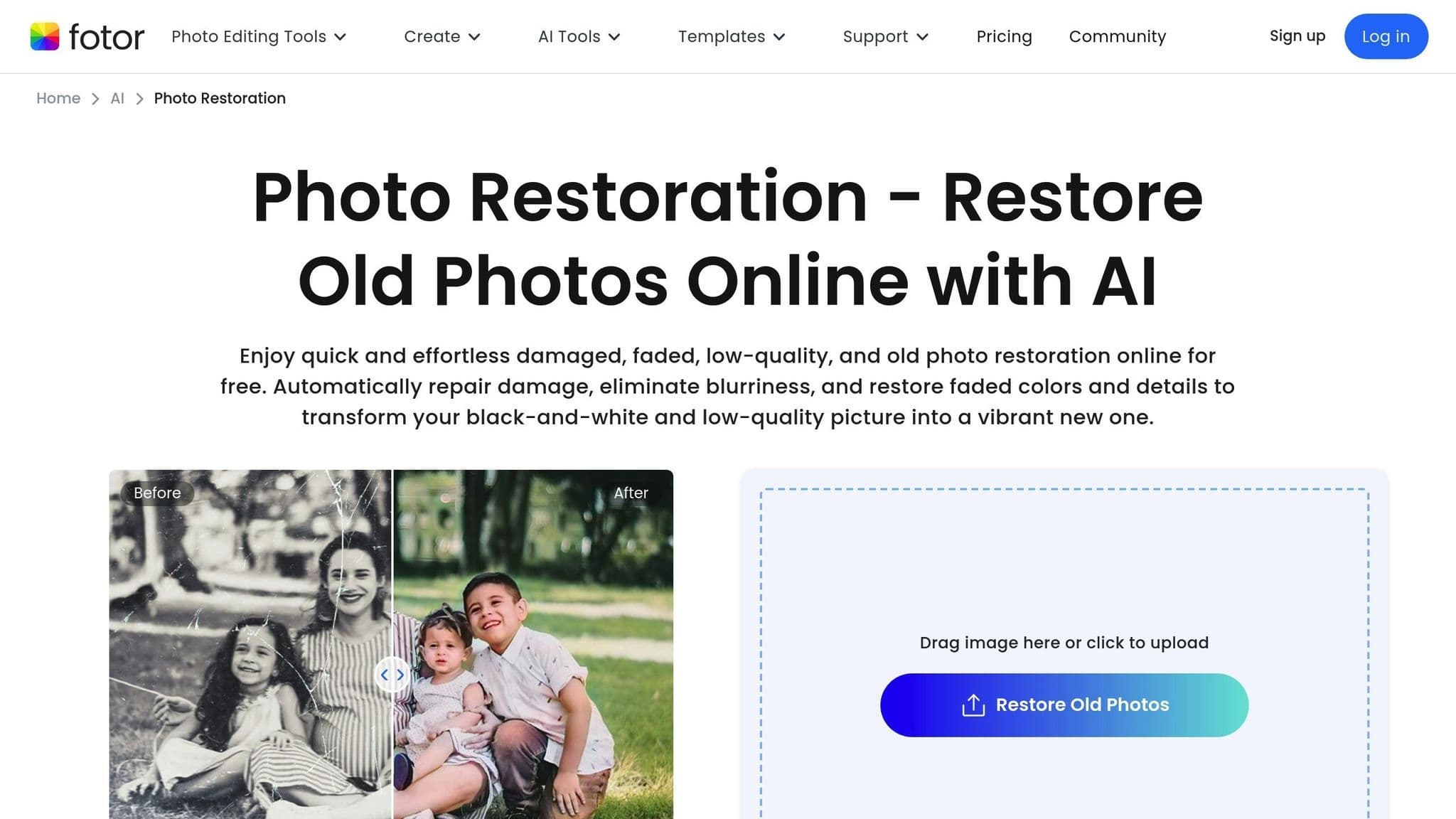
Fotor AI Photo Restorer is a user-friendly tool designed to fix damaged photos, no matter your experience level. It tackles issues like faded colors, scratches, tears, blurriness, water damage, and even missing parts of an image.
One of its key features is its face recognition technology, which focuses on restoring facial details with precision. The tool offers a mix of automation and manual adjustments: the Smart Repair function automatically detects and fixes damaged areas, while the Advanced Mode lets you fine-tune settings like contrast, sharpness, and color balance for a more personalized touch.
4. Remini
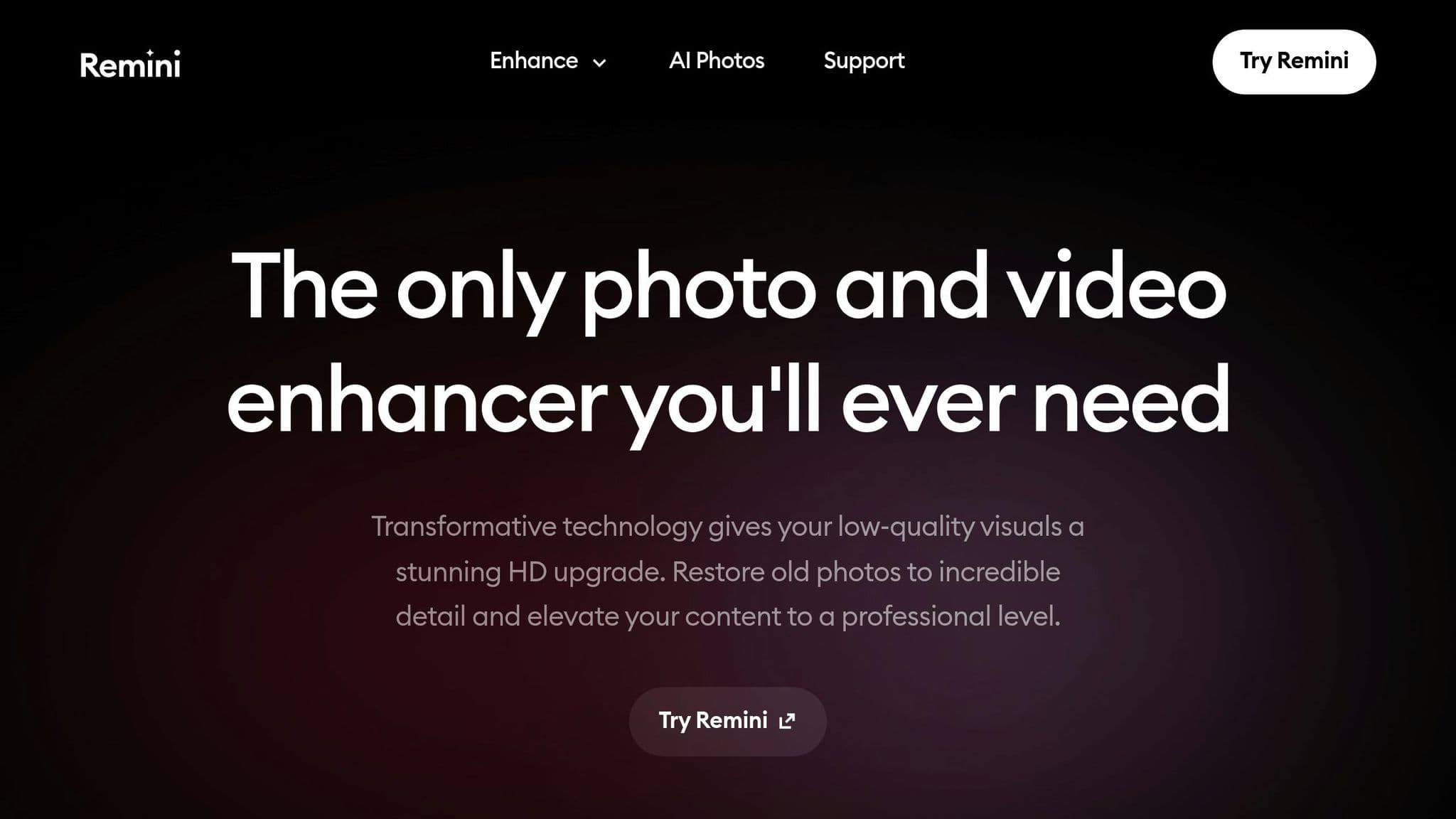
Remini focuses on bringing heavily damaged images back to life. It's especially useful for restoring old family photos or historical portraits, thanks to its ability to improve image quality and reconstruct facial details.
Here’s what Remini does best:
- Face Enhancement: Rebuilds facial features from blurry or low-resolution images with impressive accuracy.
- Detail Recovery: Brings back fine details like hair, skin texture, and clothing patterns.
- Color Correction: Revives faded colors to restore the original look and feel of the photo.
- Scratch Removal: Fixes physical damage, including scratches and creases.
These features help address common issues like blurriness, faded colors, and physical wear, making it a go-to tool for photo restoration.
sbb-itb-903b5f2
5. PhotoGlory
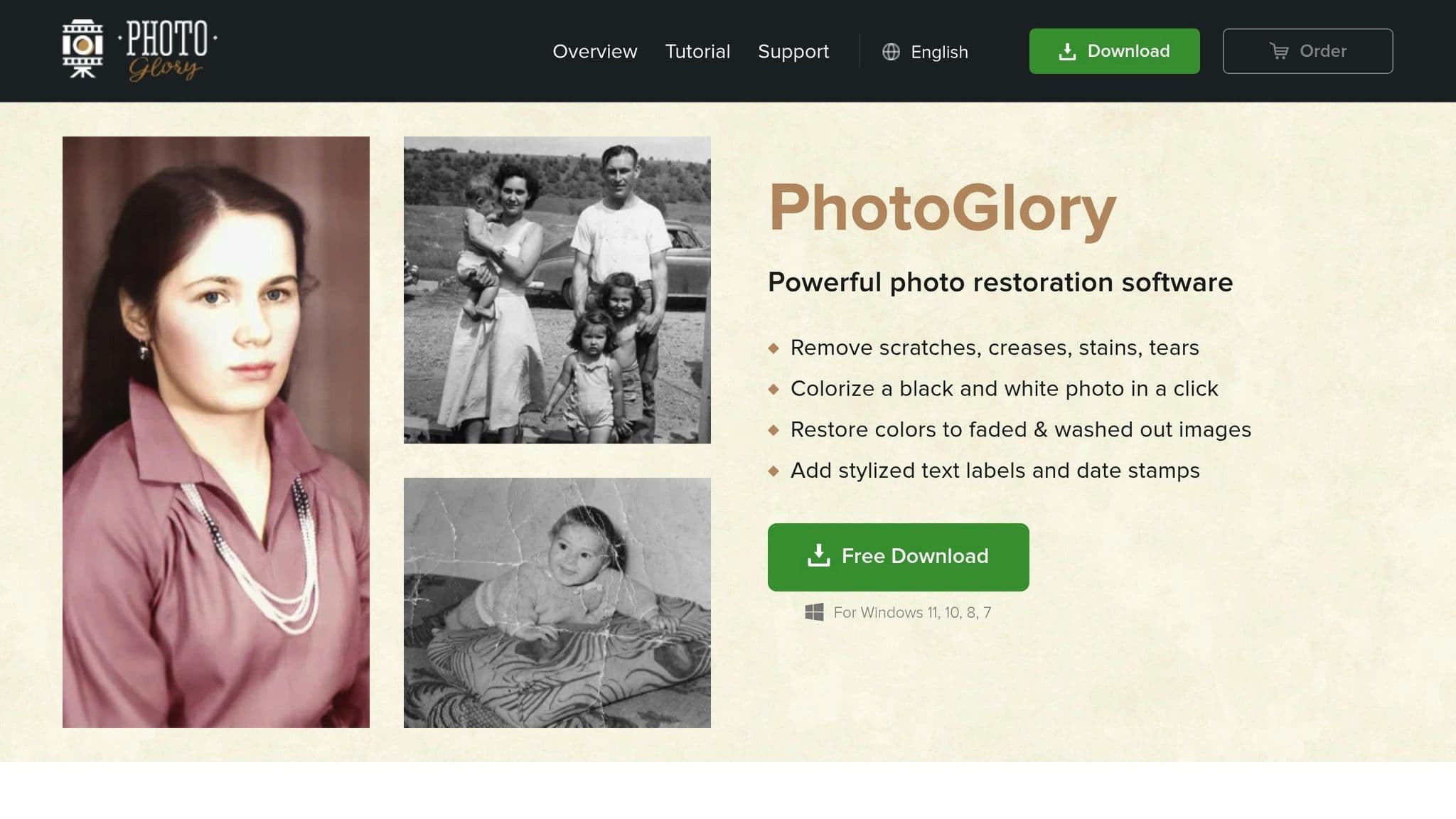
PhotoGlory specializes in bringing old photos back to life. Using advanced AI technology, it tackles common issues found in vintage photos with three main features:
- Damage Repair: Automatically fixes scratches, tears, and creases while keeping the original details intact.
- Color Adjustment: Restores faded colors and enhances contrast, even giving black-and-white photos a renewed appearance.
- Detail Recovery: Sharpens blurry areas and reconstructs missing details.
6. Picsart AI Photo Enhancer
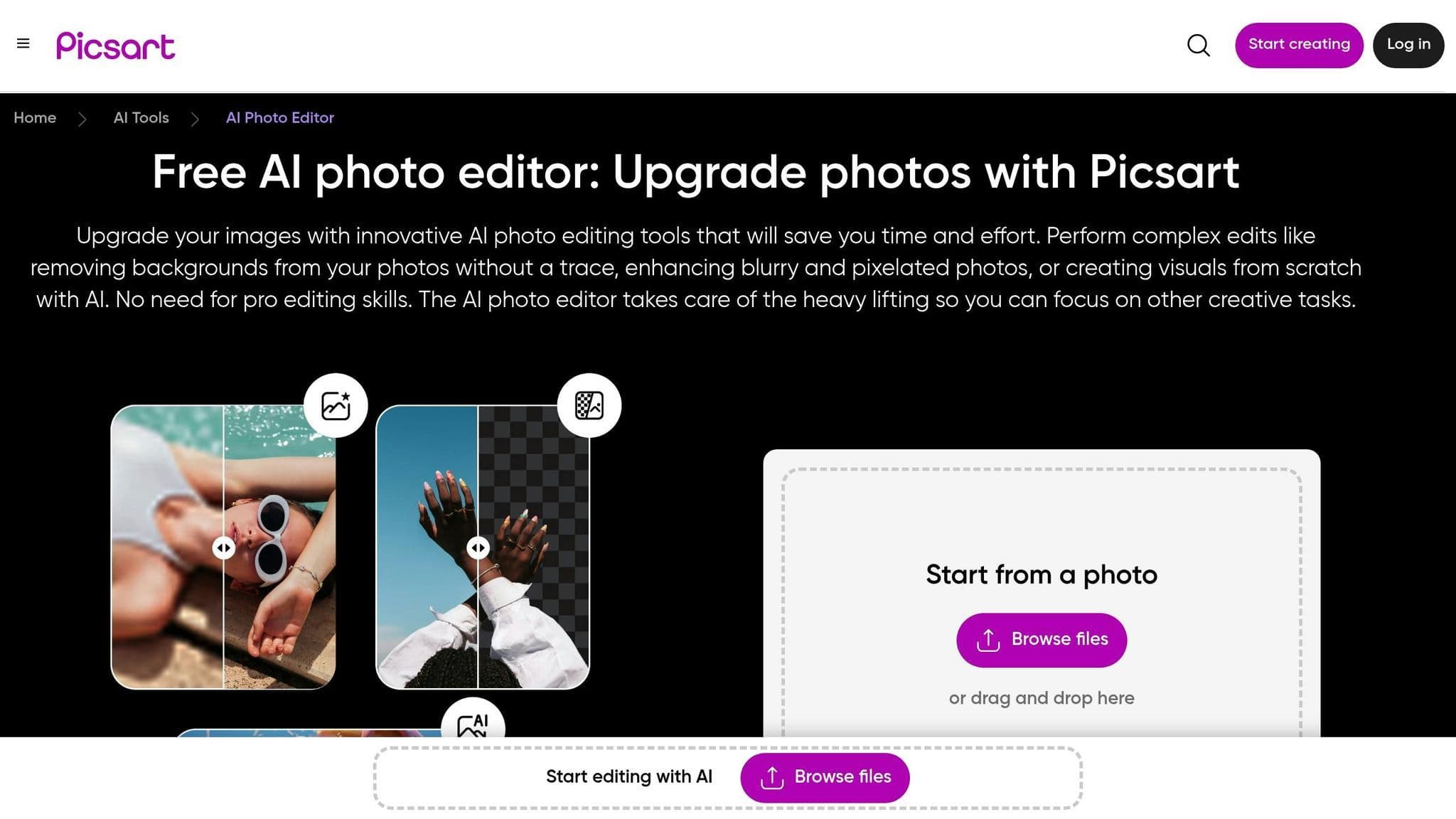
Picsart AI Photo Enhancer makes restoring old photos simple with an easy-to-use editing interface, perfect for both beginners and photography fans.
Some standout features include tools to fix tears, scratches, and stains while keeping the photo's original look intact. It also sharpens details and restores lost textures, plus it adjusts colors and contrast to bring faded images back to life.
You can start with the free version for basic tools, or subscribe to the premium plan for more advanced features and better output quality.
Picsart is a reliable choice for tackling issues like discoloration, water damage, and physical wear on photos. Up next, take a look at NanoGPT, which offers even more restoration options with its advanced AI tools.
7. NanoGPT
NanoGPT is a great option for those who only need to restore photos occasionally. Its pay-as-you-go model means you only pay when you use it, making it a budget-friendly choice for infrequent users.
With NanoGPT, there's no need for monthly subscriptions. You can start with just a $0.10 deposit, and you're only charged for each photo restoration. Plus, since all data stays on your local device, your photos and prompts remain private - no cloud storage involved.
Here’s a quick look at how NanoGPT stacks up against traditional subscription-based photo restoration services:
| Feature | Traditional Subscription Services | NanoGPT Pay-as-you-go |
|---|---|---|
| Initial Cost | Monthly subscription ($10-30) | $0.10 minimum deposit |
| Usage Model | Unlimited use within period | Pay per restoration |
| Commitment | Monthly/yearly contract | No commitment |
| Data Storage | Cloud-based | Local device storage |
NanoGPT also makes it easy to process multiple photos at once, and you don’t even need to create an account. However, if you use guest mode, keep in mind that any remaining balance will reset if you clear your browser cookies.
This pay-per-use setup is especially useful for restoring historical photo collections without breaking the bank.
Tool Comparison
Let's take a quick look at how these AI photo restoration tools stack up.
The tools differ in features and pricing, with some details still unverified. One standout is NanoGPT, which offers a pay-as-you-go pricing model starting at $0.10 and processes data locally to prioritize privacy. (For more details, check Section 7.)
When choosing a tool, consider your workflow, how often you'll use it, and your privacy preferences. While the specifics of other tools are still being clarified, each takes a distinct approach to photo restoration, catering to a variety of needs.
Final Recommendations
When choosing a tool, consider your specific needs and priorities:
For Budget-Conscious Users Focused on Privacy
NanoGPT is a great option with its pay-as-you-go pricing starting at $0.10 per photo. It’s ideal if you want to keep your data on your device. Just be aware that in guest mode, your balance resets if you clear your browser cookies.
For Professionals
PhotoGlory and Remini are excellent choices for users who need advanced editing tools and batch processing capabilities. They’re well-suited for regular restoration tasks that require precision and a wide range of features.
For Beginners
Fotor AI Photo Restorer and Picsart AI Photo Enhancer are designed with simplicity in mind. Their automated restoration features and easy-to-use interfaces make them perfect for those just starting with photo enhancement.
For High-Volume Projects
VanceAI Photo Restorer and Hotpot AI are tailored for handling large batches of photos. If you have a significant collection that needs restoring, these tools are an efficient solution.